
Full insight into your waste management
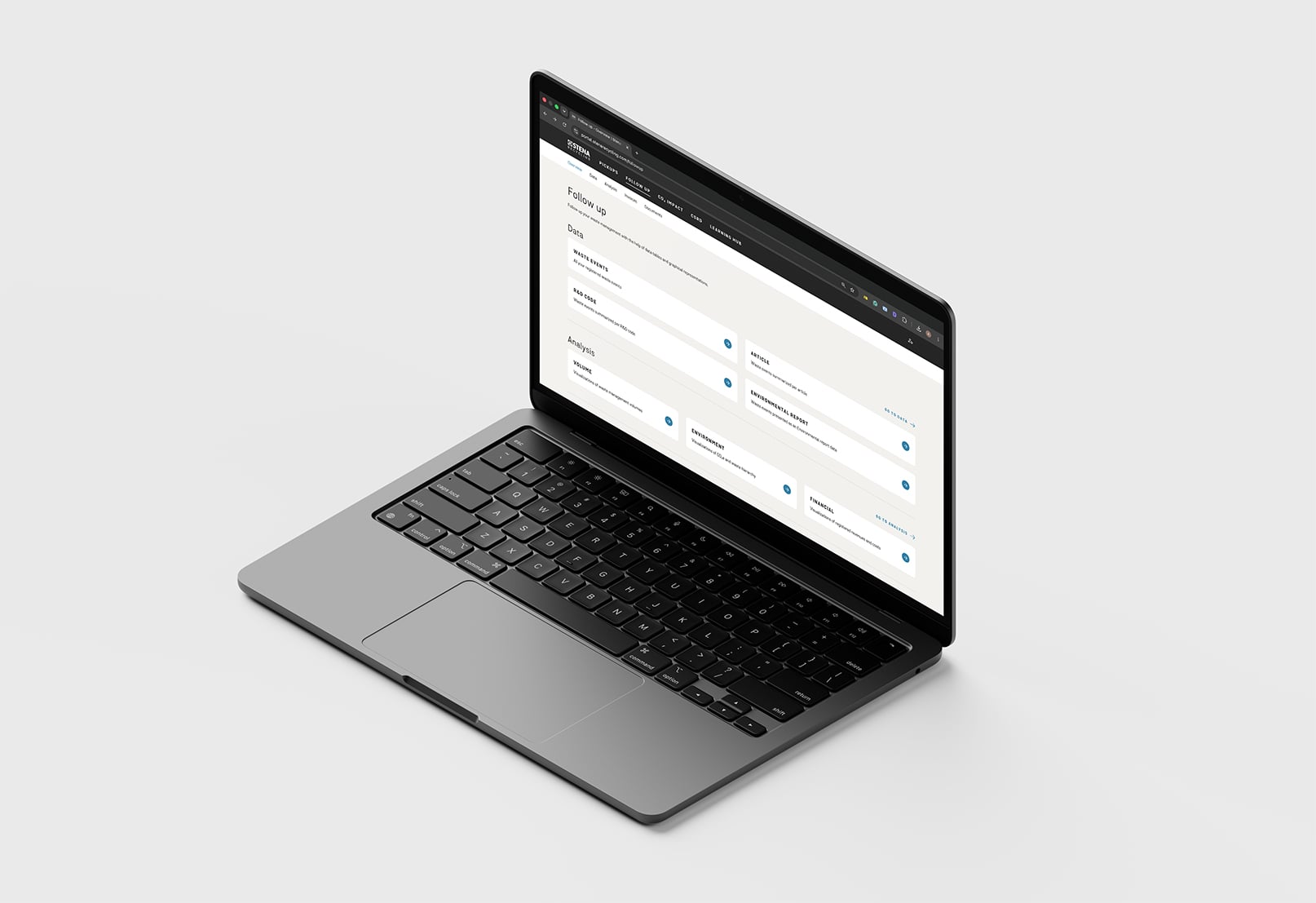
Get a complete and structured view of your waste management directly in the customer portal. With Follow up, you can easily access all your data in one place and turn complex waste information into clear, useful insights. The service lets you drill down into details, compare trends over time, and understand your waste flows with confidence.
Flexible filters, smart data exports, and ready‑to‑use visualizations help you work faster and make informed decisions. Whether you need to review waste events, track environmental impact, access invoices, or handle note obligations, Follow up gives you the tools to stay in control and keep your reporting both efficient and reliable.
Need help with Follow up?
Follow up is the part of the customer portal where you can track and analyse data related to the waste Stena Recycling handles for your business. It brings together reports, analysis, invoices , and documentation in one place.
Follow up includes several types of reports, such as material articles, waste events, environmental reports, R&D codes, and analysis views. It also provides access to documents like certificates and invoices, depending on your permissions and market.
The available data depends on your agreement with Stena Recycling and the selected filters in the portal. You can adjust date ranges in reports and analyses to review historical data and compare different periods over time. Note that data older than three years is not included.
Yes. Many reports, especially waste events, are designed for export to Excel or for use in your own BI or reporting tools.
If something is missing, it is usually related to access or user permissions. Your account may not be linked to all locations or collection points. Contact your nearest Stena Recycling branch or customer support to update your access.
All cost and revenue figures shown in the customer portal are presented excluding VAT. That applies to reports, analyses, and financial overviews to Follow up.
No. Follow up focuses on waste data, analysis, and documentation. CO₂ emission data is provided through the Stena CO₂ Impact service, which is available separately in the customer portal.

Need access to the customer portal?
Fill in the form and we'll help you set up your account.
Customer portal information for your market
Different markets may offer unique features, guidelines, or contact points. Visit your local site to explore the customer portal information that applies to you.
